Dit bericht is in het Engels geschreven.
What to do with holiday photos once the table is cleared
You don't need to sort hundreds of photos to enjoy them, just ten minutes and the people who are in them.
Door Looper Team Gepubliceerd op
Het korte antwoord
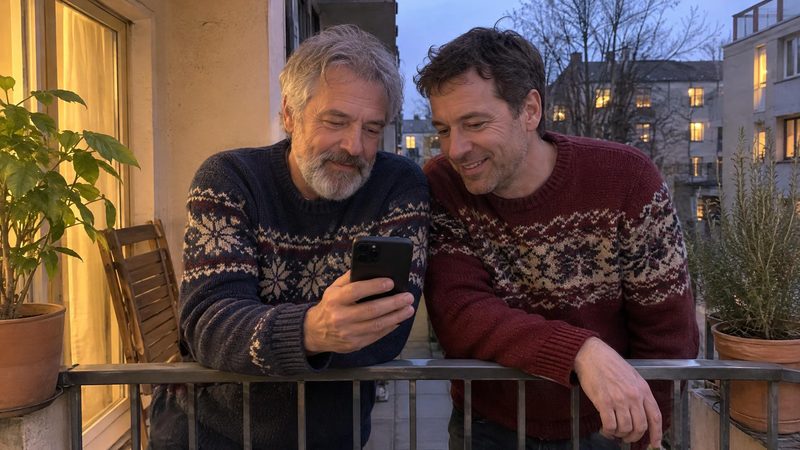
Don't sort them first. Let your phone bring them back: on iPhone, any album in Photos plays as a memory movie set to music when you tap Play. Then send your favorites straight to the people in them rather than posting them, by message or, on Android, a Google Photos album link. Ten minutes is enough.
What to do with holiday photos comes down to ten minutes on the evening itself, which is far easier to find than the free afternoon of sorting most of us keep waiting for.
Most holiday photos never get a second look
People care about these photos. In Mixbook's 2026 Holiday Photo Report, 72% said preserving holiday photos is very or extremely important, and the figure rose to 82% in households with children.
Looking at them is another matter. In a separate Mixbook survey on the traditions that make the holidays memorable, about three-quarters said they look back at holiday photos or videos no more than once a year, and 7% said they never do.
When Mixbook issued its press release on the holiday memory gap on November 18, 2026, the headline said 76% "rarely revisit" their holiday photos. That headline puts two surveys side by side, so its two numbers describe two different groups of people. The survey page's own wording is the more exact one: once a year or less.
There's a lot to revisit. The typical respondent in the Photo Report took a median of 97 photos in December 2025 and 964 across the whole year. In that report, "holiday photos" means every photo taken in December, and those make up about 1 in 9 photos in the camera roll. We use the median here because Mixbook's page gives the average as two different figures.
Why the photos pile up
When the Photo Report asked what stops people from doing something with their holiday photos, the top answer was too many photos to sort through (39%), followed by feeling it takes too much effort (30%) and not having enough time (30%).
Even the good ones get stuck. In the same Mixbook report, 43% said they leave their favorite holiday photos in the camera roll without doing anything else with them.
All three reasons rest on one belief: that the photos need organizing before they can be enjoyed. They don't. Looking back should cost a minute. If it needs an afternoon of deleting duplicates first, it gets put off until the next holiday, and by then the pile has grown.
What the survey can and can't tell you
- All photo counts in the Photo Report were self-reported. No photos were collected or reviewed.
- The final analysis only included people whose main phone is an iPhone, and seven states (Alaska, Hawaii, Montana, North Dakota, South Dakota, Vermont and Wyoming) weren't surveyed.
- "Holiday photos" covers all of December, so a photo of a parking spot from December 3 counts the same as the tree.
- The Traditions Survey ran for two weeks in September 2026 with over 2,300 respondents, and it counted only people who celebrate at least one winter holiday tradition.
- Neither survey gives weighting or a margin of error.
Turn a holiday album into a movie on iPhone
You'll end up with your album playing back as a movie set to music, without arranging a single photo by hand. All you need is an iPhone and an album or collection in the Photos app.
- Open the Photos app.
- Select a collection or an album, for example one with your Thanksgiving photos in it.
- Tap the Play button. The album plays as a memory movie set to music.
Apple's guide to playing memory movies says every collection and album in Photos can be viewed this way, so you don't have to build anything special first.
A movie made from two hundred photos drags, so if you make an album for this, keep it small and keep it to one day.
On Android, it helps to know how the Google Photos recap works, and which new Google Photos features are worth a look.
Send them to the people in them
In the Photo Report, 65% said they already send their favorite holiday photos directly to friends or family.
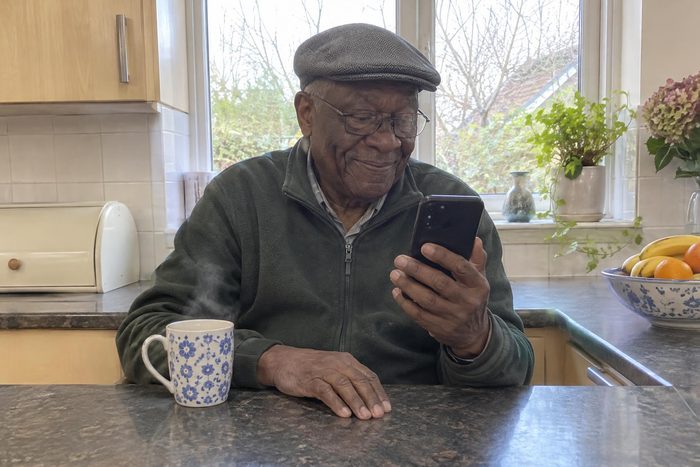
The Traditions Survey asked a different question of different people: 48% said they typically keep holiday photos or videos saved on a phone or computer, 16% share them digitally with family or friends, and 14% post them on social media. Because those come from a separate survey, don't line them up against the Photo Report figure.
We think sending and posting are different acts. A memory belongs to the people who were in it, and sending it to them is the one that gets a reply.
Sending photos privately on iPhone
On iPhone, the private route is the one you already use: Messages, in a conversation with the people who were there. Pick a few photos and send them in that thread. For the Thanksgiving table in particular, see how to share Thanksgiving photos with family.
Sharing an album link on Android
- In Google Photos, tap Add, then Album, then New album.
- To share it, tap Create link.
- If you'd rather someone scan a code, tap Share, then Show QR code.
- To send it to particular people, choose them under "Send in Photos."
One warning before you paste that link into a group chat: Google's help page on sharing says anyone with the link can view the photos and add to the album. Send it only to the people who were there.
Backing up isn't the same as looking at them
One answer on Quora about what to do with vacation photos once you're home put the usual instinct plainly:
"Put them on the computer. That is what everybody does, right?"
That keeps the photos safe. It doesn't get anyone to look at them. Treat storage and enjoyment as two separate jobs: do the backup on whatever schedule you already keep, and don't let it stand in for the looking.
If you'd rather the looking back came to you, Looper is a free memories app for iPhone and Android that each day turns your photos and videos from that date, 1 to 5 years ago, into a short memory video with music. You send it to the people who were there, and they watch it in their browser without the app. It comes out this fall on iPhone and Android at the same time, with a free beta on TestFlight for iPhone.
What to do with holiday photos the same evening
This routine is short on purpose, because the long version never happens.

- Pick five favorites before bed. Five is plenty.
- Send them to the people in them. Your aunt wants the one with her in it, and she'll answer a single photo faster than a whole album.
- Keep one ordinary shot next to the posed group photo: the kids asleep on the couch, the half-cleared table, the blurry one where everyone is laughing. As Leslie Albertson, a Mixbook executive, said in the holiday photo report, "the ones that don't turn out as perfect as we'd hope are often the ones we want to revisit most."
- Set a reminder for the same day next year. Before you take new photos next holiday, look at last year's first. They tell you what you'll want from this one.
If you make a photo year in review in December, make it for the people in it. It doesn't have to be a public post.
If you only do one thing tonight, send the blurry one to whoever is in it.
Vragen
What is the best thing to do with vacation photos?
The same approach works for a trip: skip the sorting, pick a handful of favorites, and send them to the people who were there. A trip has a clear start and end, which makes it easy to keep the album small.
Bronnen
- The 2026 Holiday Photo Report: Trends, Habits, and Camera Roll Stats mixbook.com
- The Traditions That Make the Holidays Memorable mixbook.com
- New Mixbook Research Reveals a Holiday Memory Gap: 72% Value Preserving Photos, but 76% Rarely Revisit Them prnewswire.com
- Play memory movies in Photos on iPhone apple.com
- Share photos and videos - Android - Google One Help google.com
- What do you do with your photos from travel and vacation when being at home again? quora.com